pocket-reminders

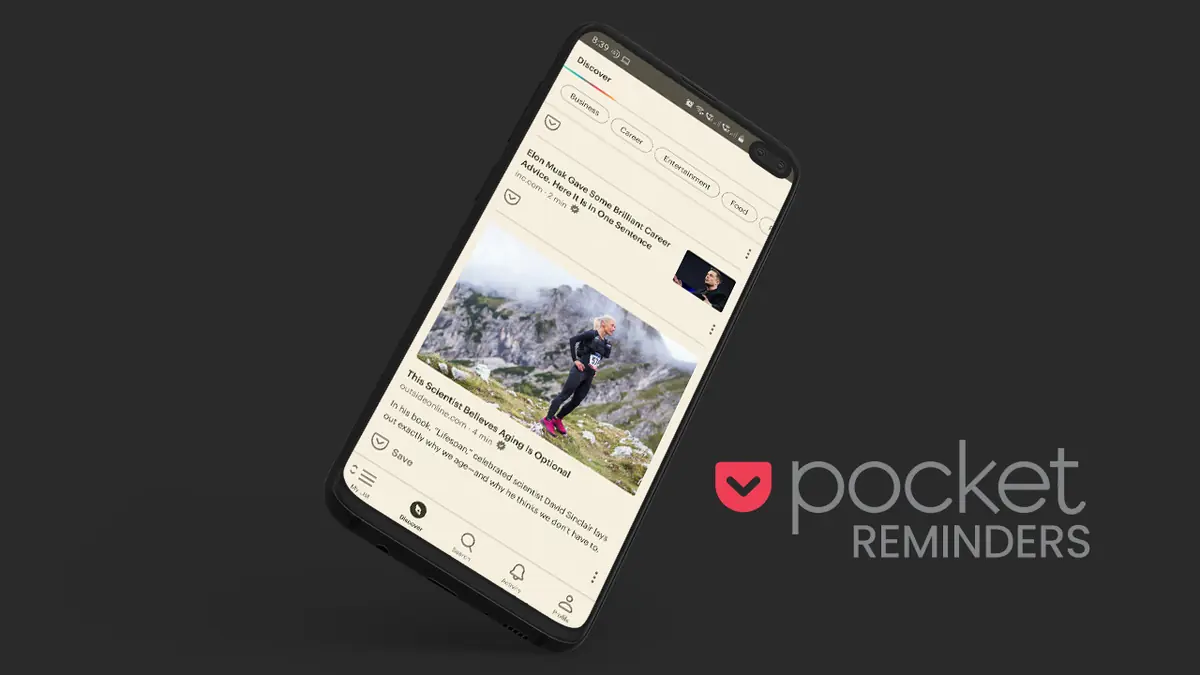
How to enable automatic reminders for articles in Pocket

Pocket is a read-it-later application that takes your bookmarks to the next level. It lets you save content for future reading, listen to them (if you’re too tired to read), save them for eternity (even if the original source goes offline), tag by category, highlight sentences and much more. Best of all, its Freemium plan works for most light readers. But any heavy user of Pocket will realize, sooner or later, that a reminder functionality would be a great addition. Because, let’s admit it: we find a fantastic article, save it to Pocket, and then forget to go back to it on a later date. ...

November 4, 2020 · 2 min · tonmoy
nova-launcher

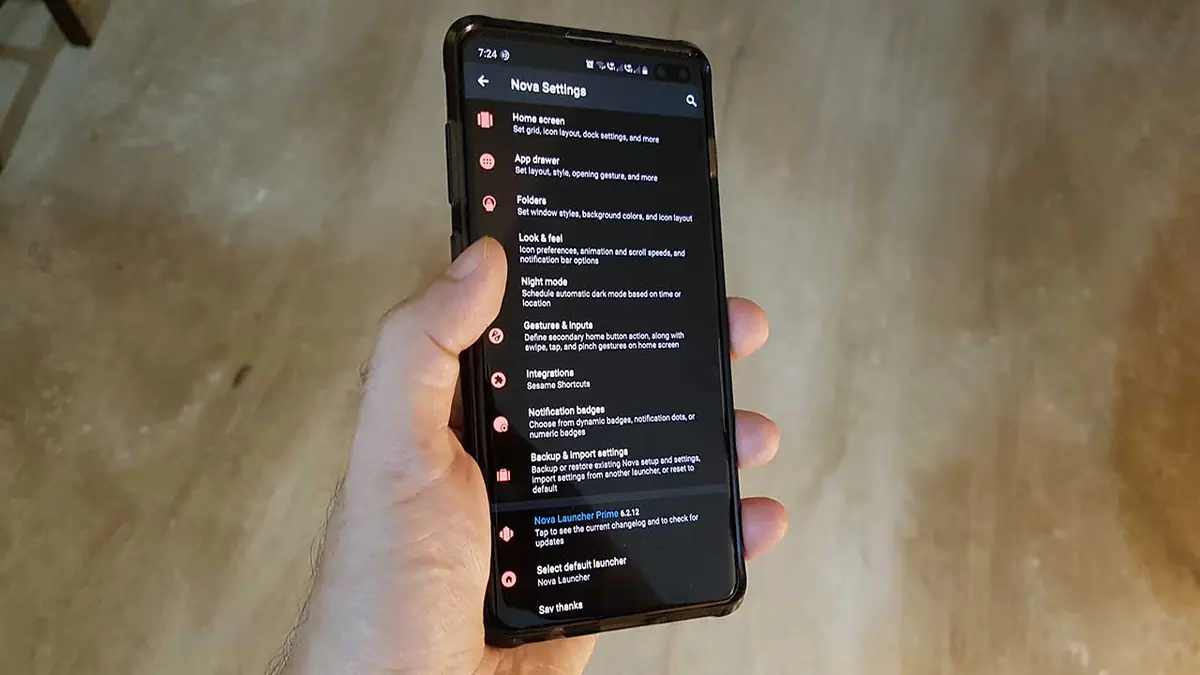
3 Nova Launcher tricks for power users

If you’re on Android and love customizations, you probably are already using a 3rd-party launcher. But there’s a reason why Nova Launcher is often considered as #1; it’s because of its extreme customization possibilities. The tricks mentioned in this tutorial are meant for power users who use Nova to make themselves more productive. Without further ado, let’s jump straight in. 1. Gestures + Activity = #1 reason why I love Nova Nova has eleven gesture types, from simpler ones like ‘swipe up’ to complex gestures like ‘Double tab + swipe down’. ...

October 27, 2020 · 2 min · tonmoy
reverse-ideas

A simple trick that produces surprisingly creative solutions

If you are trying to find solutions to a problem in your life, you may consider adding the below approach to your strategy (among other methods): Ask ‘What if the reverse happened’. And try to answer it. E.g. The problem is: You want to test drive a car, but due to (insert your unique situation) you’re unable to visit the car showroom. Applying the reverse approach: Instead of you visiting the car showroom for a test drive, what is the dealership sends someone to your home with the car? ...

October 10, 2020 · 1 min · tonmoy
billboard-ad-tracking

How do billboard ads track you & what to do about it

You must have experienced a variation of the following situation: While travelling home, you notice a billboard of a brand (say, Toyota’s latest car); you make a passing remark about it to your partner. “Toyota Glanza looks eerily similar to Baleno, isn’t it?” “They are basically the same car.”, replies your partner. The next day at office, Toyota Glanza ads are all over your Facebook, Twitter, Google, Gmail etc. You don’t believe it! ...

September 23, 2020 · 2 min · tonmoy
sitemap-rss-cover

How to convert any Sitemap to RSS Feed

Since you’re reading this tutorial on how to convert a Sitemap to RSS, it’s safe to assume that you already know about Sitemaps and RSS feeds. Here’s a quick primer: A sitemap is an index of webpages of any website. It’s mostly there to help web-crawlers (think Google search bots etc.) crawl your website effectively and discover new (or old) content. Mostly for search engine ranking & discoverability. An RSS feed is a standard XML file that contains a web-feed of any website. Why standard XML? So that any application can easily read it to display in any format it wants. Why web-feed? So that an application (or an end user) can keep track of updates to a website. E.g. keeping track of a news site using an RSS feed. ...

March 30, 2020 · 3 min · tonmoy
584435_36876515.jpg

Getting started with freelancing? Here's the ultimate cheat sheet

INTRODUCTION At the outset, let me clarify that I’m not a freelancer. Then why did I write this post? Who is this post intended for? Well, this post is a result of an experiment I successfully pulled off recently. (More on that shortly) And this post is intended for anyone who’s struggling to get started with freelancing. (Read: haven’t grabbed their first project yet). I wanted to pick up AngularJS and learn LESS. So I decided to put myself in a situation where there would be an incentive to learn and a constraint to perform. In short, I was thinking how can I get paid to learn, how can I work on real life use cases to experiment. I decided to give freelancing a shot. My stint lasted for 10 days after which I returned to my startup life. ...

September 1, 2013 · 13 min · tonmoy

How to enable Gzip on Amazon Elastic Beanstalk with Tomcat and Apache

Follow these steps to enable gzip on Amazon EBS Step 1: Create a top-level directory named .ebextensions in your source bundle. And create two files in it as shown below. The contents of enable_mod_deflate.conf # mod_deflate configuration <IfModule mod_deflate.c> # Restrict compression to these MIME types AddOutputFilterByType DEFLATE text/plain AddOutputFilterByType DEFLATE text/html AddOutputFilterByType DEFLATE application/xhtml+xml AddOutputFilterByType DEFLATE text/xml AddOutputFilterByType DEFLATE application/xml AddOutputFilterByType DEFLATE application/xml+rss AddOutputFilterByType DEFLATE application/x-javascript AddOutputFilterByType DEFLATE text/javascript AddOutputFilterByType DEFLATE text/css AddOutputFilterByType DEFLATE image/png AddOutputFilterByType DEFLATE image/gif AddOutputFilterByType DEFLATE image/jpeg # Level of compression (Highest 9 - Lowest 1) DeflateCompressionLevel 9 # Netscape 4.x has some problems. BrowserMatch ^Mozilla/4 gzip-only-text/html # Netscape 4.06-4.08 have some more problems BrowserMatch ^Mozilla/4.0[678] no-gzip # MSIE masquerades as Netscape, but it is fine BrowserMatch bMSI[E] !no-gzip !gzip-only-text/html <IfModule mod_headers.c> # Make sure proxies don't deliver the wrong content Header append Vary User-Agent env=!dont-vary </IfModule> </IfModule> The contents of myapp.config ...

May 15, 2013 · 1 min · tonmoy